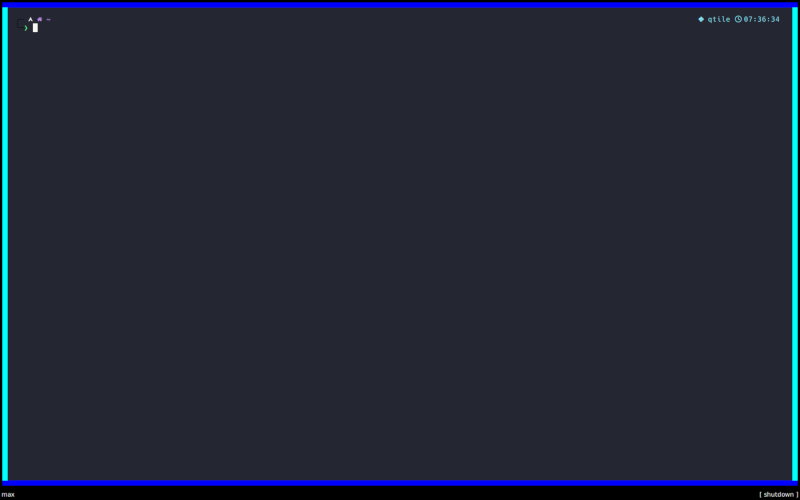
Window Border Decorations
Warning
This feature is experimental.
The decorations may behave unexpectedly, have missing features and will probably crash at some point!
Feedback on any issues would be appreciated.
GradientBorder
- class qtile_extras.layout.decorations.borders.GradientBorder(**config)[source]
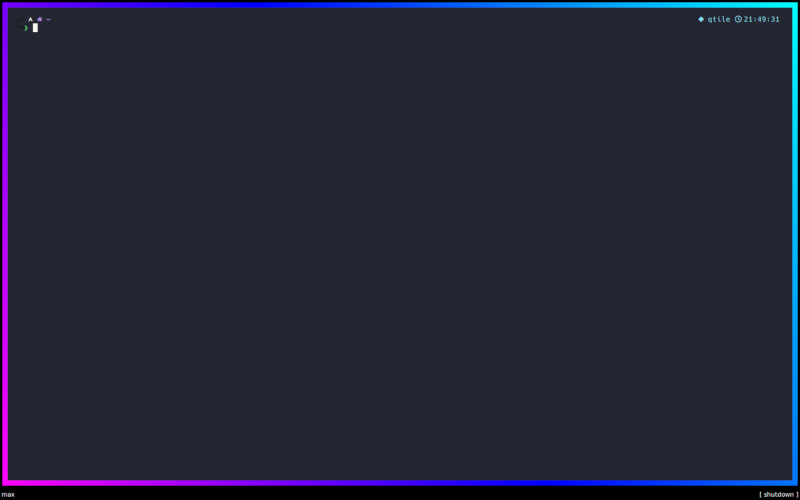
Renders borders with a gradient.
coloursdefines the list of colours in the gradient.The angle/direction of the gradient is set by the
pointsparameter. This is a list of a two (x, y) tuples. The x and y values are relative to the window. A value of (0, 0) is the top left corner while (1, 1) represents the bottom right corner.offsetsis used to adjust the position of the colours within the gradient. Leaving this asNonewill space the colours evenly. The values need to be in ascending order and in the range of 0.0 (the very start of the gradient) and 1.0 (the end of the gradient). These represent positions on the imagninary line between the twopointsdefined above.When
radial=Truethepointsparameter has no impact. The gradient will be drawn from the center of the window to the corner of the window.offsetscan still be used to adjust the spacing of the colours.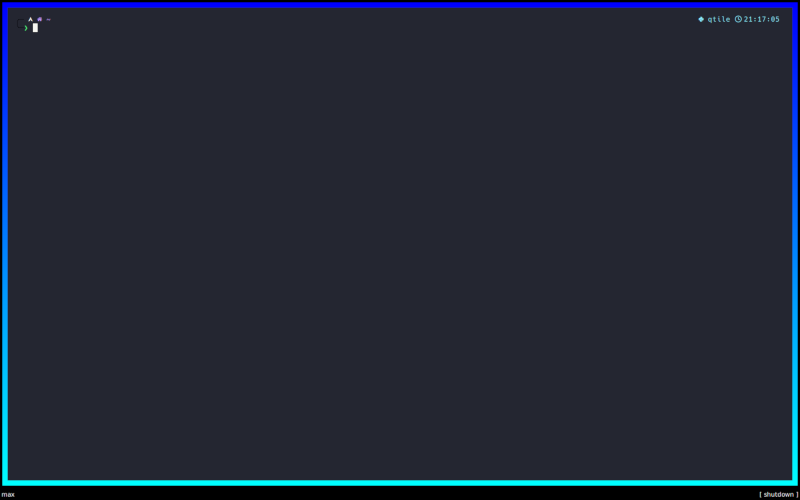
border_focus=GradientBorder(colours=[“00f”, “0ff”])
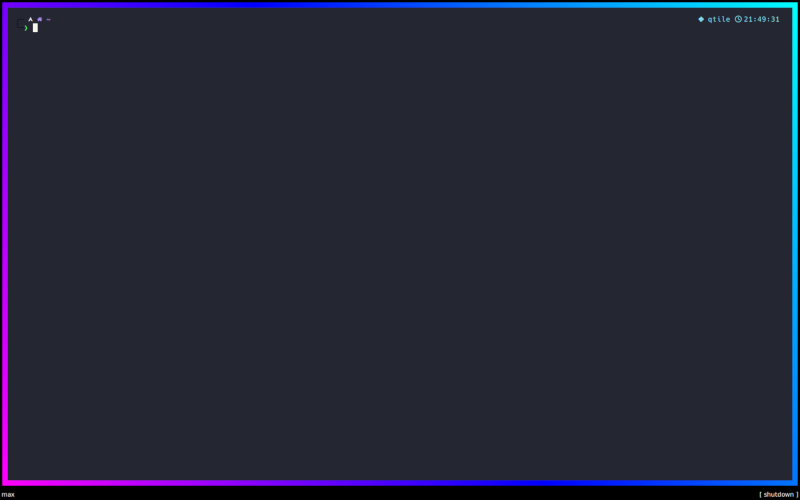
border_focus=GradientBorder(colours=[“f0f”, “00f”, “0ff”], points=[(0, 1), (1, 0)])
key
default
description
colours['00ffff', '0000ff']List of colours in the gradient
offsetsNoneOffset locations (in range of 0.0-1.0) for gradient stops.
Noneto use regular spacing.points[(0, 0), (0, 1)]Points to size/angle the gradient. See docs for more.
radialFalseUse radial gradient
GradientFrame
- class qtile_extras.layout.decorations.borders.GradientFrame(**config)[source]
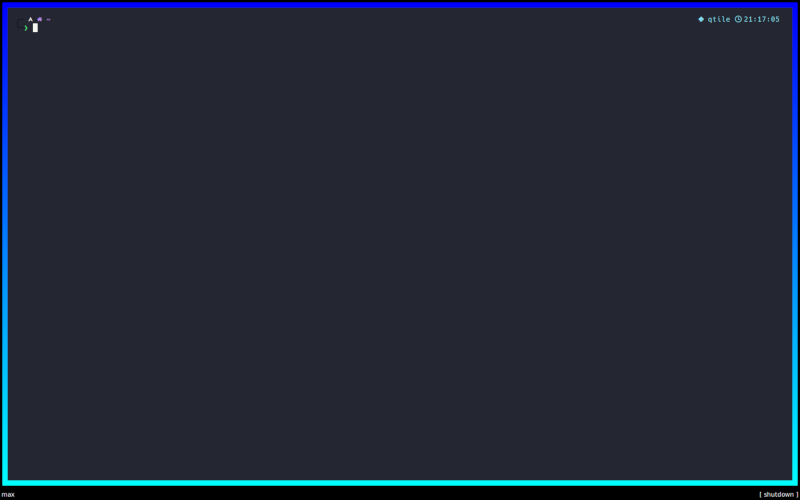
Renders a frame with a gradient. Each edge’s gradient is from the outside towards the centre.
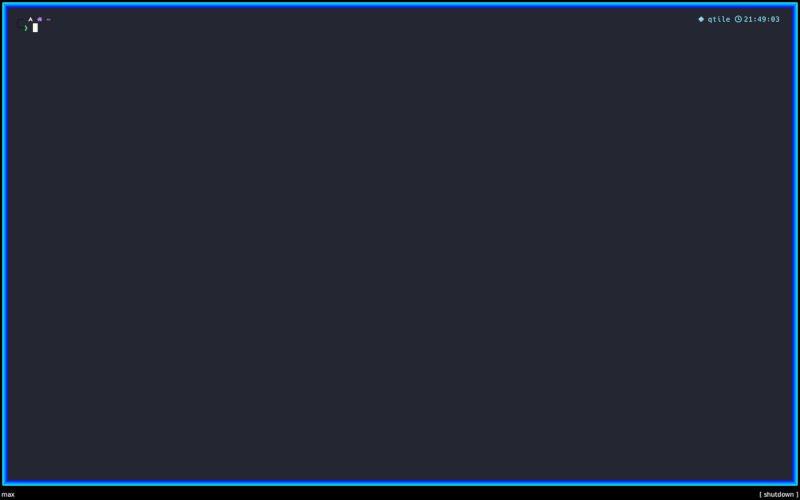
border_focus=GradientFrame(colours=[“00f”, “0ff”])
key
default
description
colours['00ffff', '0000ff']List of colours in the gradient
ScreenGradientBorder
- class qtile_extras.layout.decorations.borders.ScreenGradientBorder(**config)[source]
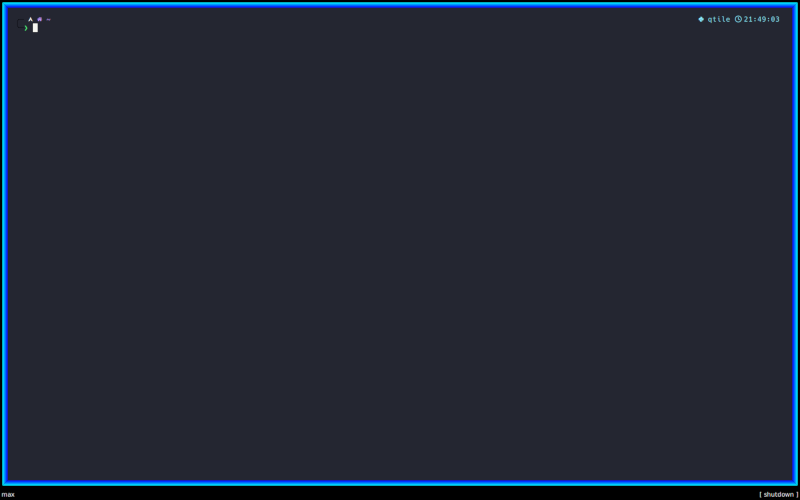
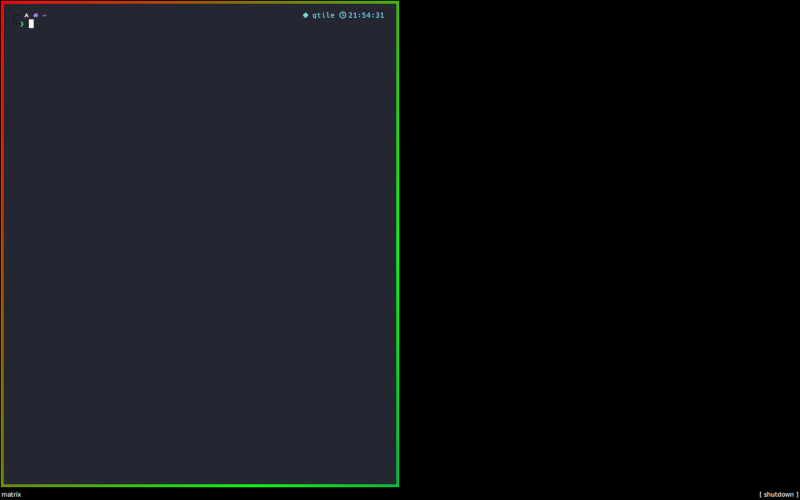
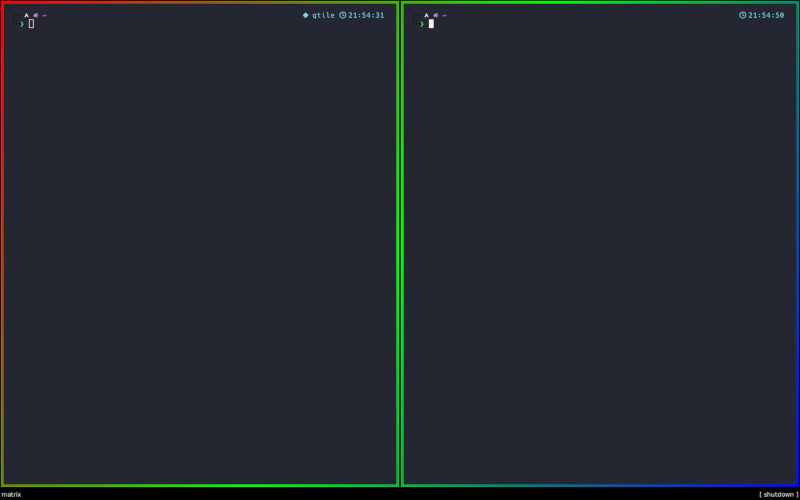
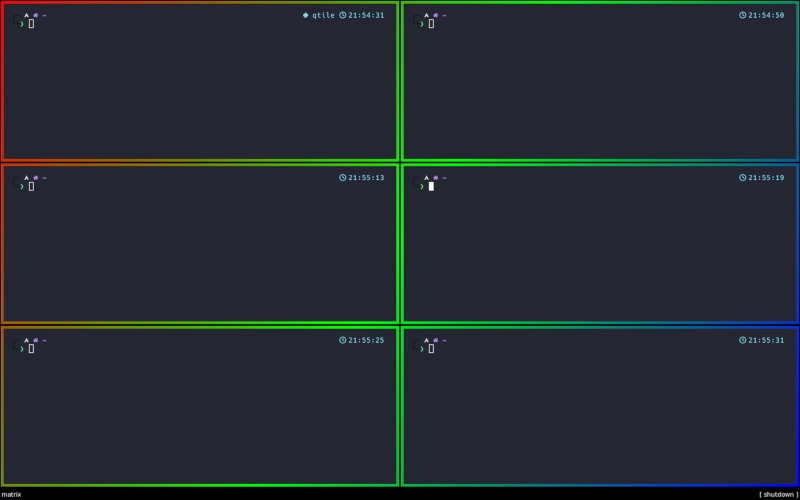
Renders a border with a gradient which is scaled to the screen, rather than the window. This means that a window’s border will change depending on where it is in the screen.
coloursdefines the list of colours in the gradient.The angle/direction of the gradient is set by the
pointsparameter. This is a list of a two (x, y) tuples. The x and y values are relative to the screen. A value of (0, 0) is the top left corner while (1, 1) represents the bottom right corner.offsetsis used to adjust the position of the colours within the gradient. Leaving this asNonewill space the colours evenly. The values need to be in ascending order and in the range of 0.0 (the very start of the gradient) and 1.0 (the end of the gradient). These represent positions on the imagninary line between the twopointsdefined above.When
radial=Truethepointsparameter has no impact. The gradient will be drawn from the center of the screen to the corner of the screen.offsetscan still be used to adjust the spacing of the colours.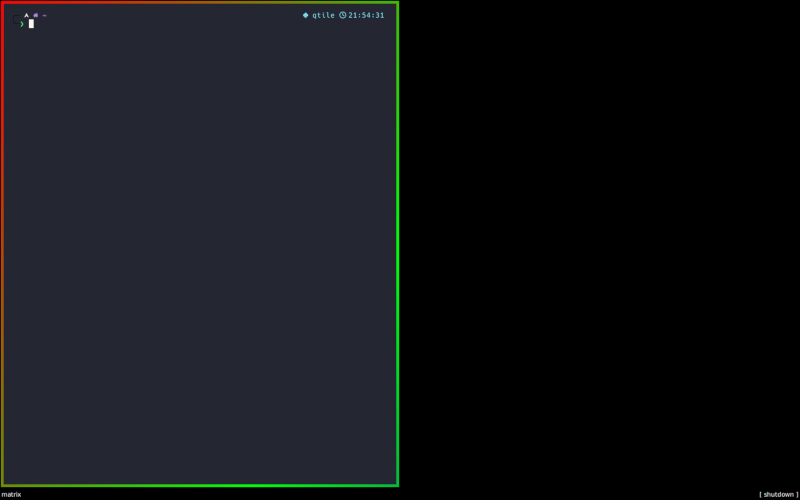
ScreenGradientBorder(colours=[“f00”, “0f0”, “00f”], points=[(0,0), (1,1)])
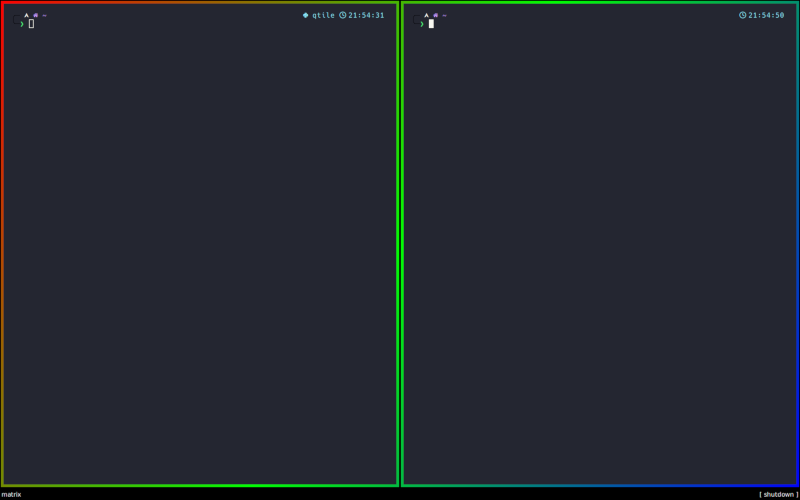
Gradient is applied to screen…
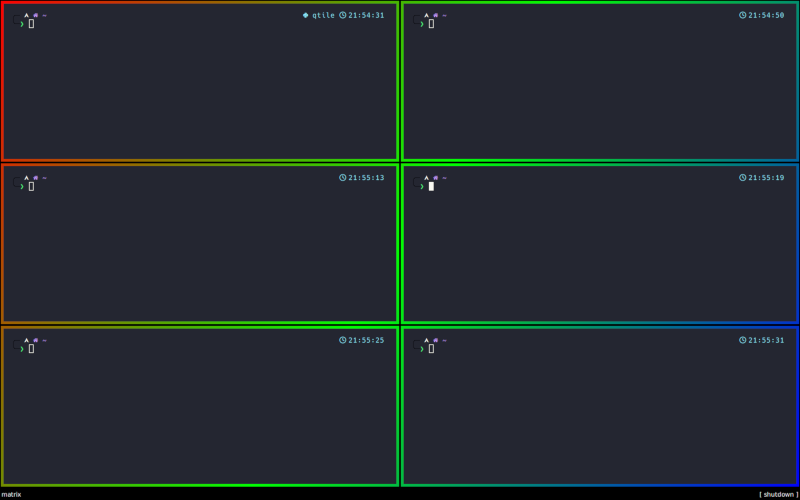
…no matter how many windows are open.
key
default
description
colours['00ffff', '0000ff']List of colours in the gradient
offsetsNoneOffset locations (in range of 0.0-1.0) for gradient stops.
Noneto use regular spacing.points[(0, 0), (0, 1)]Points to size/angle the gradient. See docs for more.
radialFalseUse radial gradient
SolidEdge
- class qtile_extras.layout.decorations.borders.SolidEdge(**config)[source]
A decoration that renders a solid border. Colours can be specified for each edge.
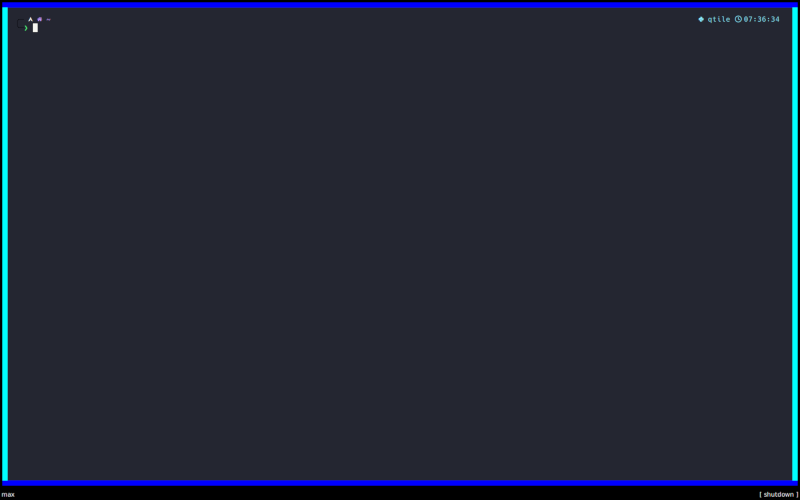
SolidEdge(colours=[“00f”, “0ff”, “00f”, “0ff”])
key
default
description
colours['00f', '00f', '00f', '00f']List of colours for each edge of the window [N, E, S, W].